

01 / CONNECT
Plug it into your TV
Connect the TV stick to your TV’s HDMI port, attach its power cable, and select the matching HDMI input.

See Google TV Stick in action and imagine your next night in—favorite shows, shared laughs, and more moments together on the big screen.
A simple guide
Follow these simple steps to get started.
01 / CONNECT
Connect the TV stick to your TV’s HDMI port, attach its power cable, and select the matching HDMI input.
02 / SET UP
Follow the on-screen instructions to pair your remote, connect to Wi-Fi, and sign in to your accounts.
03 / ENJOY
Explore your available apps, pick a movie or video, and enjoy watching on the big screen.

Give your photos, videos, and presentations more room to shine. This compact wireless display receiver lets you mirror a compatible phone’s screen on an HDMI-equipped TV—so everyone can enjoy the view together.

Spend less time typing and more time enjoying. Press and hold the voice button to search for something to watch, navigate with the circular control pad, and access YouTube or Netflix through dedicated shortcut buttons.

Turn an ordinary night into quality time. Settle in, choose something you both love, and enjoy it together with Google TV Stick.
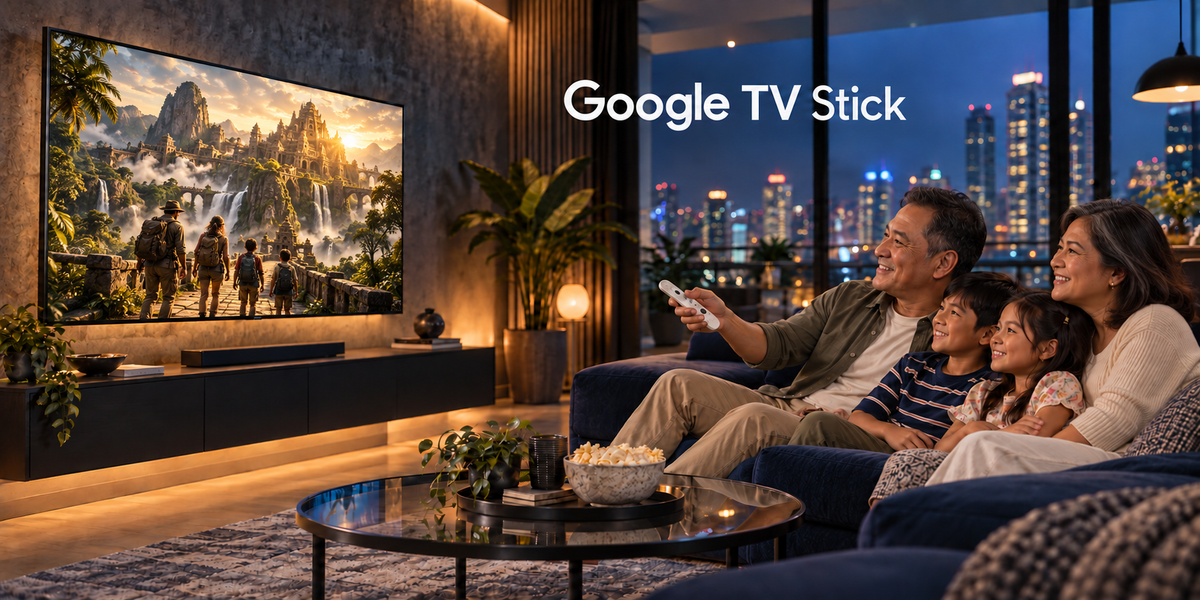
Simple, practical pieces made with care for your home and family.Bring everyone together for family movie night. Grab the popcorn, get comfortable, and make shared screen time a moment to remember with Google TV Stick.