


01 / CONNECT
Plug it into your TV
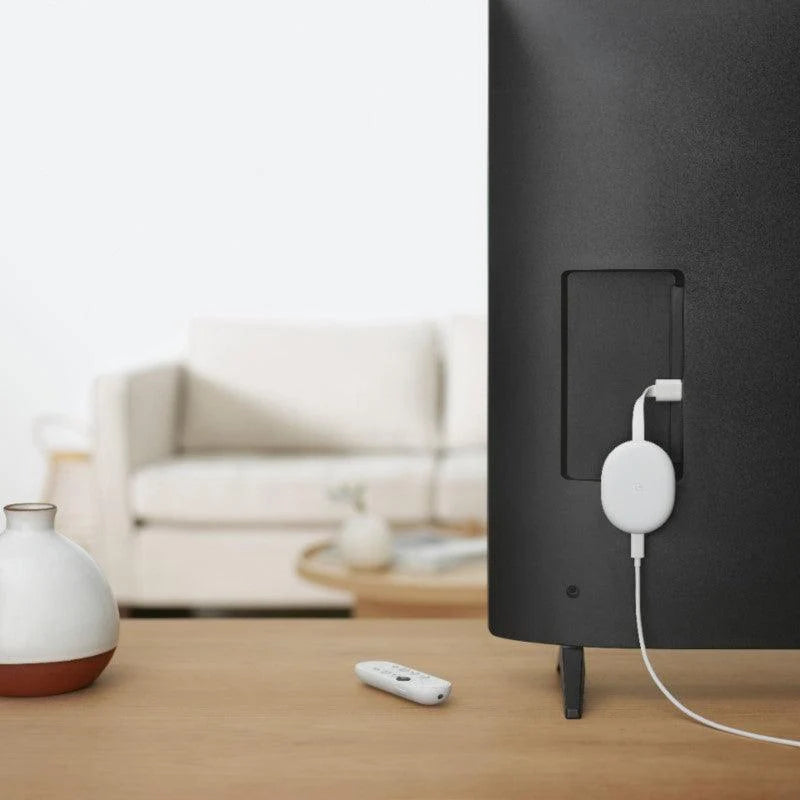
Connect the TV stick to your TV’s HDMI port, attach its power cable, and select the matching HDMI input.

Sulit Avenue
Couldn't load pickup availability
All you can watch.
Enjoy the entertainment you love in up to 4K HDR.** Discover over 400,000 movies and TV episodes. And cast directly from your phone or table to the TV.
Stream on.
Get fast streaming, and enjoy a crystal clear picture up to 4K and brighter colors with HDR. **
Use your voice.
Ask to search for specific shows, or by mood, genre, actress, and more. Talk to Google and say, "What should I watch?" And use the remote to control the volume switch inputs, play music, and get answers on-screen.
Recommendations just for you.
Get personal suggestions based on your subscriptions, viewing habits and content you own.
For now, and the future.
Because Chromecast breathes life into existing TVs and is designed with recycled materials, it helps keep waste out of landfills.
Web-based services and content require high-speed Internet service. Some services may require a subscription.
*Chromecast with Google TV requires a TV with an HDMI port, Wi-Fi network, Google Account, nearby electrical outlet, and compatible mobile device. Minimum OS requirements are available at g.co/cast/req. To view content in 4K, a 4K-capable TV and reliable broadband internet connection are required.
**To view content in 4K, a 4K-capable TV and reliable broadband internet connection are also required.


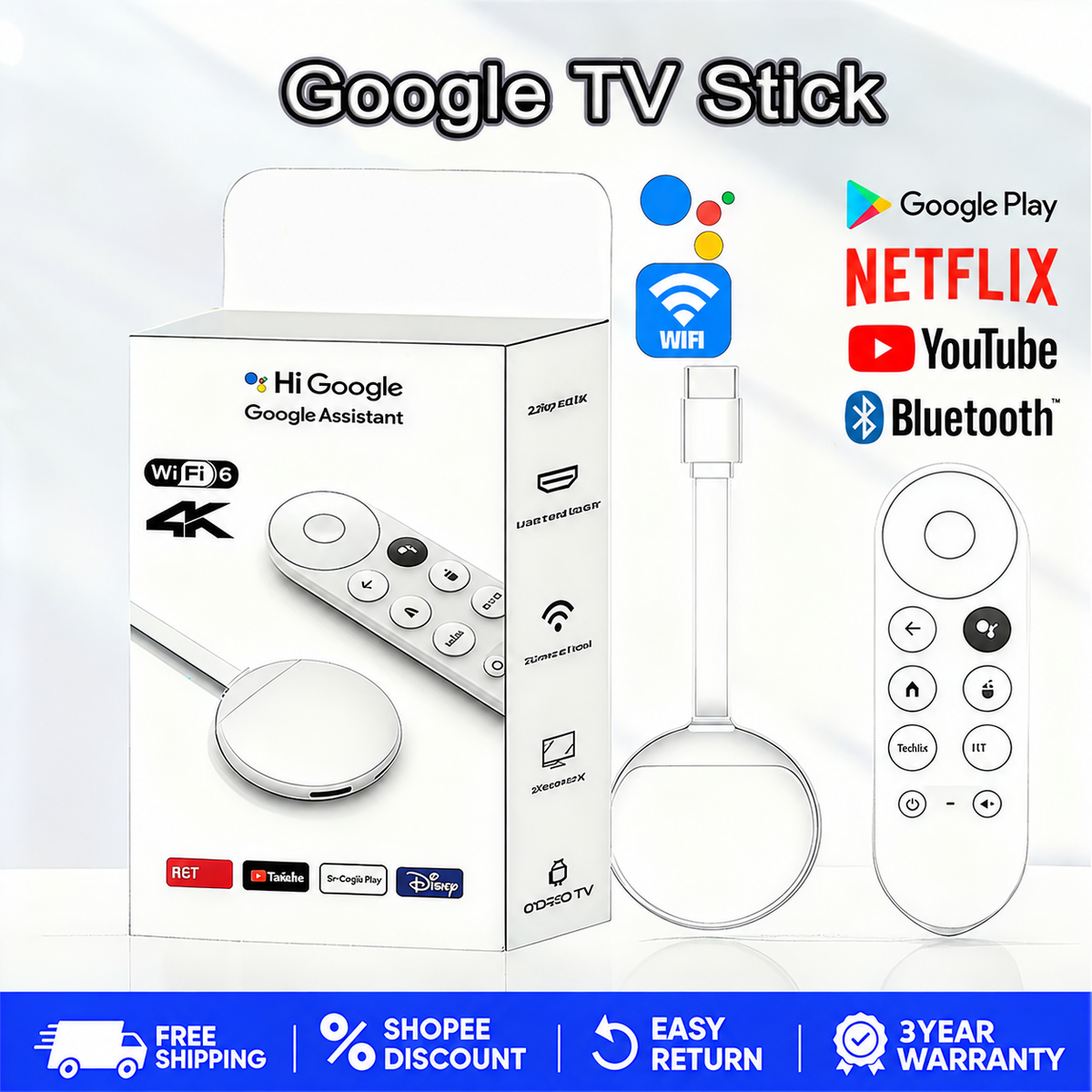
A simple guide
Follow these simple steps to get started.
01 / CONNECT
Connect the TV stick to your TV’s HDMI port, attach its power cable, and select the matching HDMI input.
02 / PREPARE
Follow the on-screen instructions to pair your remote, connect to Wi-Fi, and sign in to your accounts.
03 / BEGIN
Explore your available apps, pick a movie or video, and enjoy watching on the big screen.
See Google TV Stick in action and imagine your next night in—favorite shows, shared laughs, and more moments together on the big screen.

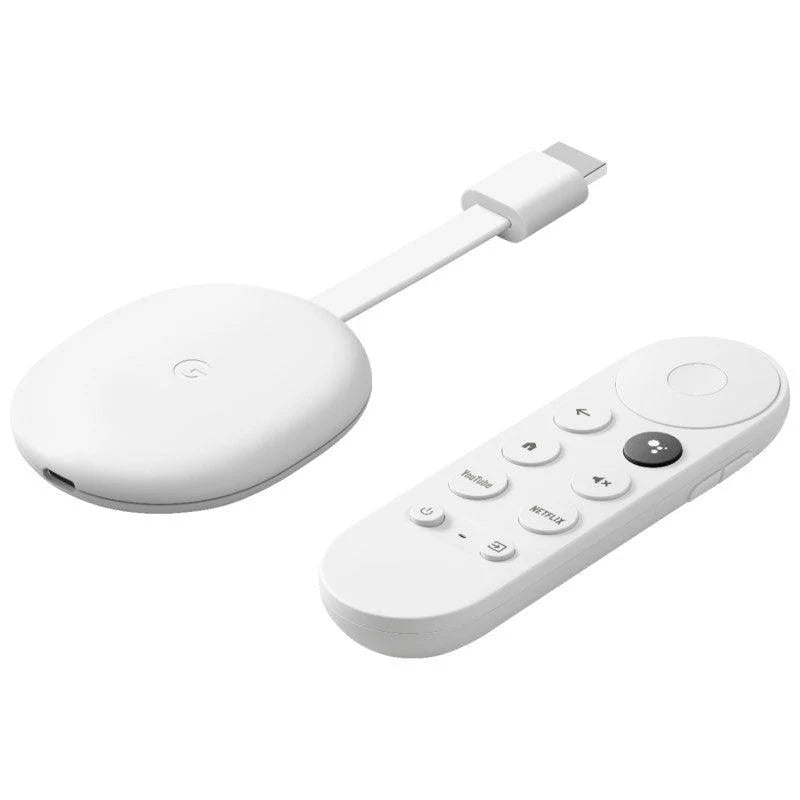
Spend less time typing and more time enjoying. Press and hold the voice button to search for something to watch, navigate with the circular control pad, and access YouTube or Netflix through dedicated shortcut buttons.

Give your photos, videos, and presentations more room to shine. This compact wireless display receiver lets you mirror a compatible phone’s screen on an HDMI-equipped TV—so everyone can enjoy the view together.

Simple, practical pieces made with care for your home and family.Bring everyone together for family movie night. Grab the popcorn, get comfortable, and make shared screen time a moment to remember with Google TV Stick.
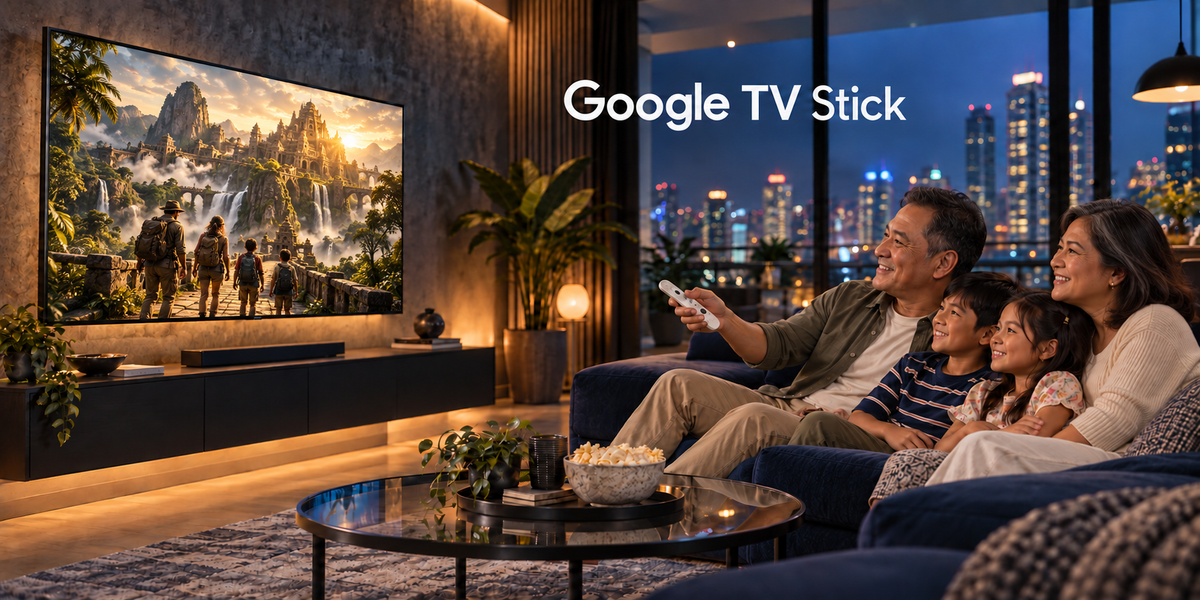
Simple, practical pieces made with care for your home and family.
Overall rating: 4.9 / 5 from 54 reviews.

I tried voice search while looking for a particular actor's films. It gave me options to browse, although availability still depended on the services I could access. I checked the app before choosing anything. That was more convenient than entering the full name with the remote.

Nanood kami ng isang mystery series nitong weekend. Madali naming na-pause kapag may kailangang asikasuhin sa bahay. Bumabalik lang kami sa app kapag ready na ulit. Mas gusto namin ang ganitong setup kaysa sa panonood sa laptop.

We had a few buffering pauses during the first film we watched. Our Wi-Fi was also struggling on other devices that evening. On another night with a steadier connection, the same app worked more smoothly. I would keep the internet connection in mind when setting this up.

Sa TV na may HDMI sa bahay ng parents ko ito na-set up. YouTube ang una naming binuksan para sa gardening videos. Kailangan ko silang gabayan sa unang pag-navigate ng menu. Pagbalik ko, nakakapili na sila ng videos nang sarili nila.

I wanted a straightforward way to watch my subscribed shows on the spare television. The TV has an HDMI input, which we used for the connection. Signing into each service took a little patience. Since then, opening our usual apps has been fairly routine.

Maayos ang pagkakapack ng natanggap naming bundle. Kumpleto ang pouch at cloth na inaasahan namin. Pagkatapos ng setup, YouTube muna ang tinest namin sa TV. Sa mga sumunod na gabi, saka namin ginamit ang Netflix account namin.

Ginagamit ng kapatid ko para sa mga series, habang ako naman ay sa vlogs. Pareho naming natutunan ang controls pagkatapos ng ilang gamit. May ilang menu na kailangan pa naming i-explore. Para sa basic na panonood, sapat na ang mga alam namin ngayon.

We set it up on a rainy afternoon and watched an animated film together. Our Netflix subscription was already active, so we just signed in. The television we used was not 4K, and we watched at the resolution it supports. It was a comfortable way to spend the afternoon indoors.

Mostly pang-YouTube namin ito pagkatapos ng dinner. Mahilig kaming manood ng food reviews at simpleng home tours. Hindi naman araw-araw ginagamit, pero madaling balikan kapag gusto namin. Nakatago lang sa cabinet ang pouch at cleaning cloth.

The remote feels simple once you remember the main buttons. I accidentally backed out of an app a few times on the first day. That happened less as I got used to it. Now I mostly use it for evening shows and the occasional YouTube video.

Dito kami nanonood ng old favorites kapag wala kaming maisip na bagong series. Binubuksan lang namin ang app at hinahanap ang available na title. Hindi lahat ng hinahanap namin ay nasa subscription namin. Kapag wala, sa YouTube na lang kami nanonood ng ibang content.

I checked the available apps before deciding what to install. A couple of services I use needed their own subscriptions. YouTube was enough for our first night of testing. We watched a mix of woodworking videos and travel diaries.

Sinubukan ko ito habang sumusunod sa isang beginner stretching video. Mas kita ko ang buong galaw kapag nasa TV ang demonstration. Hawak ko lang ang remote kapag kailangan mag-pause. YouTube ang gamit ko para sa mga video na iyon.

Sa sala namin ito ginagamit kapag may cooking video na gustong panoorin si Papa. Mas madali para sa kanyang makita ang steps sa TV. Ako muna ang nag-ayos ng Wi-Fi at account login. Siya na ang bahala sa pagpili ng susunod na video.

Gusto ko ang voice search kapag mahaba ang pangalan ng show. Minsan kailangan kong ulitin dahil hindi malinaw ang pagkakasabi ko. Hindi naman iyon malaking abala sa normal kong paggamit. Mas madalas ko pa ring gamitin ang buttons sa pag-browse.

Our family has different tastes, so the home screen gets plenty of browsing time. One person looks for comedy, while another wants a documentary. We use the streaming accounts we already pay for. The device has been most useful when everyone agrees to watch together.

I tend to watch one cooking video all the way through before trying a recipe. On the TV, I can sit back and take notes without holding my phone. Rewinding with the remote is useful when I miss a measurement. I keep the remote away from the kitchen counter while cooking.

The cloth and pouch are small extras, but I have found places for both. The cloth stays near the TV cabinet, and the pouch holds accessories when we tidy up. Most evenings, we use the device for Netflix. It fits into our routine without needing much attention.

May smart TV kami na compatible pa rin sa apps na gamit namin. Sinubukan namin ang Chromecast para pareho ang interface sa isa pa naming TV. Mas madaling lumipat ng kuwarto kapag pamilyar ang menu. Kailangan pa rin naming mag-sign in sa mga serbisyo.

My main use is watching film discussions on YouTube. Long videos are more comfortable for me on a television. Voice search is helpful for channel names that are easy to say. For unusual spellings, I prefer typing them myself.

Ginamit namin sa family gathering para manood ng music videos sa YouTube. May ads pa rin sa account na gamit namin. Salitan lang kami sa pag-search ng kanta gamit ang remote. Mas naging madali ang pagpili noong isang tao na lang ang humawak nito.

I moved it from the living room to the bedroom for a weekend. I had to reconnect it to the television and check the setup there. The pouch was useful for carrying the remote and cloth together. Afterward, we watched a few episodes from our regular streaming service.

Para ito sa mga hapon na gusto lang naming manood ng travel vlogs. Nakakatuwang makita sa malaking screen ang mga lugar na pinapakita. Ginagamit namin ang remote para lumipat ng video kapag hindi namin trip ang topic. Hindi naman komplikado ang usual controls.

We watched a nature documentary on our compatible 4K television. The available picture quality depended on the service, our plan, and the title we chose. I checked those settings before settling down to watch. For everyday viewing, we spend more time choosing content than adjusting anything.

Sa kuwarto ko ito ginagamit para sa isang episode bago matulog. May HDMI input ang TV ko at nakakonekta ang Chromecast sa Wi-Fi namin. Madali nang balikan ang app pagkatapos ng unang setup. Nilalagay ko sa drawer ang remote kapag naglilinis.

I installed a few streaming apps that were available for the device in our region. Some required separate logins or subscriptions before we could watch anything. We ended up spending most of the evening on YouTube anyway. It helps to know which services you actually use before setting everything up.

Minsan ginagamit ko ang voice search para maghanap ng cooking ideas. Hindi laging eksakto ang naririnig nito kapag may maingay sa paligid. Mas okay ang resulta kapag malinaw at maikli ang sinabi ko. Convenient pa rin siya kapag ayaw kong mag-type.

We use this for Friday movie nights with a bowl of popcorn. Choosing a film still takes us longer than opening the app. Once we agree on something, the remote is simple to pass around. The pouch stays in our television cabinet with the spare accessories.

Sa unang gamit, medyo matagal kami sa pag-sign in ng accounts. Pagkatapos noon, nakapanood na kami ng family vlog sa YouTube. Mas komportable para sa amin ang TV kapag mahaba ang video. Itinabi ko ang cloth para madaling makita kapag kailangan.

I asked the seller whether the pouch and cloth were part of the bundle. The reply was clear, and both items were in the package. After setup, I watched two episodes of a show using my existing subscription. Most of my use has been that ordinary evening routine.

Ginagamit namin ito kapag may magkakasamang manonood sa sala. Mas okay sa amin ang isang malaking screen kaysa kanya-kanyang phone. Netflix at YouTube pa lang ang madalas naming binubuksan. Hindi pa namin nasusubukan ang ibang compatible apps.

My parents mostly wanted YouTube on the television. I helped them sign in and showed them how to search for their favorite channels. They prefer using the directional buttons over voice search. After a few evenings, they needed less help finding videos.

Pinanood namin ang ilang baking videos bago gumawa ng cookies. Mas kita sa TV ang texture ng dough sa close-up shots. Paulit-ulit naming binalikan ang isang step gamit ang remote. Naging bahagi na ito ng weekend routine namin.

I use it on a 1080p television with an HDMI input. We mainly watch sitcoms and YouTube videos, and the picture suits that screen. I was not expecting the device to change the television's resolution. It has simply given us another way to access our usual streaming apps.

Mahilig kami sa documentary nights kapag Sabado. Sa Netflix kami pumipili gamit ang sarili naming account. Nakakatulong ang voice search kapag mahaba ang title na gusto naming hanapin. May mga pagkakataong mas mabilis pa rin mag-browse nang mano-mano.

The package arrived with the pouch and cleaning cloth included. I spent the evening setting it up and watching a few music performances on YouTube. The remote controls were easy enough to learn through regular use. I have mostly used it for casual viewing since then.

Sinubukan namin ito sa compatible smart TV sa bedroom. Mas naging consistent ang paraan namin ng pagbukas ng streaming apps. Hindi naman lahat ng app na hinanap ko ay available, kaya chineck ko muna ang options. Nandiyan naman ang mga pangunahing ginagamit namin.

I like watching longer interviews on YouTube after dinner. Having them on the TV feels more relaxed than balancing a tablet on my lap. Setup included signing into my Google account and connecting to Wi-Fi. I kept the pouch for when we move the device to another room.

Sa bahay namin, salitan ang pagpili ng papanoorin. Minsan cartoons sa compatible app, minsan naman travel vlog sa YouTube. Madaling ituro sa iba kung nasaan ang home at back buttons. Ang challenge lang ay huwag mawala ang maliit na remote sa sofa.

We have a television with an HDMI input in the guest room. I set this up there for occasional YouTube and streaming use. Guests still need their own access for services that require a subscription. For our test evening, we just watched free videos on YouTube.